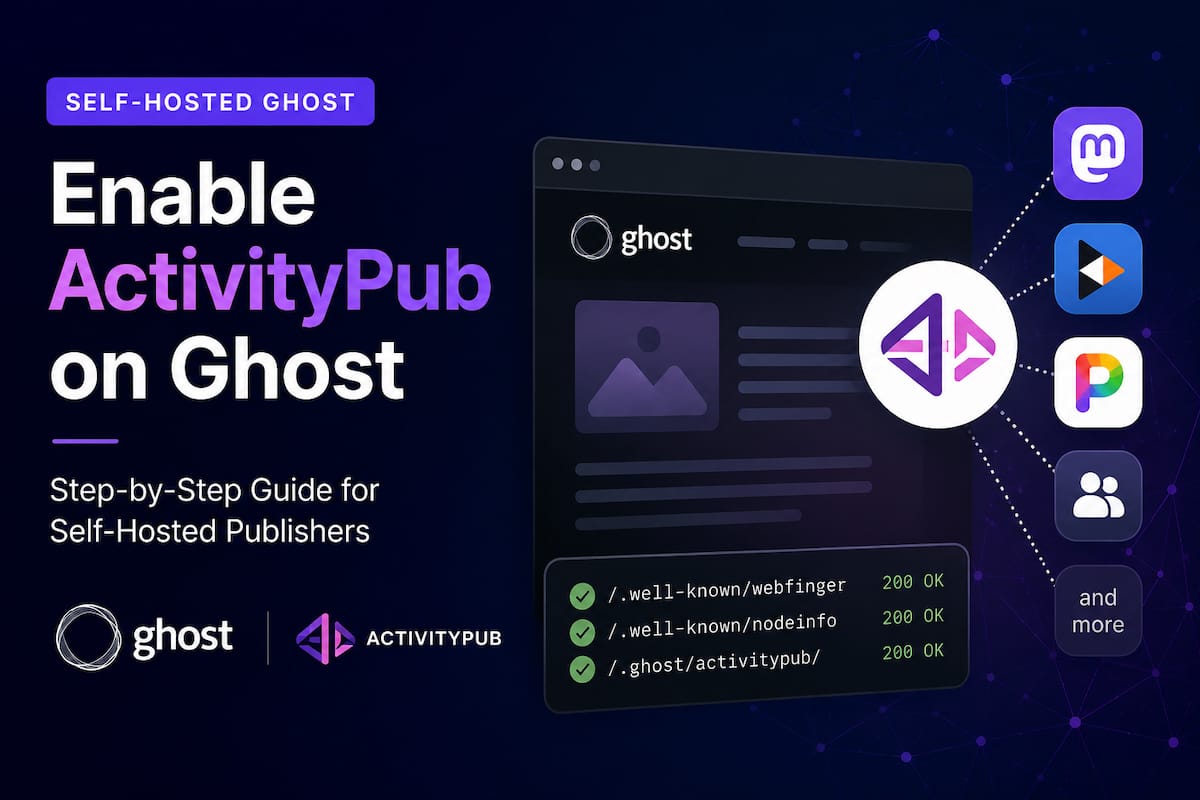
The fediverse is growing fast, and Ghost has taken a major step toward becoming more than just a publishing platform. With ActivityPub support, your Ghost publication can become part of a decentralized social network where readers can discover and follow your content from platforms like Mastodon.
If you're running a self-hosted Ghost site, enabling ActivityPub isn't quite as simple as flipping a switch. There are a few extra steps involved, especially if you're using Nginx and Docker. Fortunately, the setup process is straightforward once you know what needs to be configured.
In this guide, I'll walk you through exactly how to enable ActivityPub on a self-hosted Ghost installation.
What Is ActivityPub?
ActivityPub is an open protocol that powers much of the fediverse, a network of interconnected social platforms including Mastodon, Pixelfed, PeerTube, and many others.
Instead of relying on a single company to distribute content, ActivityPub allows different platforms to communicate with one another.
For Ghost publishers, this means:
- People can follow your publication from Mastodon.
- New posts can appear directly in followers' feeds.
- Your content becomes discoverable across the fediverse.
- You maintain ownership of your website and audience.
Think of it as adding a social distribution layer to your Ghost publication without needing a traditional social media platform.
Before You Start
You'll need:
- A self-hosted Ghost installation
- A public domain name
- HTTPS enabled
- Nginx or another reverse proxy
- Ghost 6.x or newer
- Administrator access to your server
If your site is still running an older version of Ghost, update it before continuing.
Step 1: Update Ghost
ActivityPub support is part of newer Ghost releases.
If you're using Ghost-CLI:
ghost update
If you're using Docker:
docker pull ghost:latest
docker compose down
docker compose up -d
Once the update is complete, verify your Ghost version:
docker exec -it ghost ghost version
Step 2: Verify Your Site URL
Ghost needs to know its exact public URL.
In Docker, your environment should contain:
environment:
  url: https://yourdomain.com
Notice there is no trailing slash.
Good:
url: https://yourdomain.com
Avoid:
url: https://yourdomain.com/
While the trailing slash often works, using a consistent canonical URL helps prevent federation issues.
This is the step that most self-hosters miss.
Ghost's ActivityPub implementation uses special endpoints that must be forwarded correctly.
Add the following block before your normal Ghost proxy location:
location ~ ^/(\.ghost/activitypub|\.well-known/webfinger|\.well-known/nodeinfo|\.well-known/host-meta) {
    proxy_pass https://ap.ghost.org;
    proxy_ssl_server_name on;
    proxy_ssl_name ap.ghost.org;

    proxy_set_header Host $host;
    proxy_set_header X-Forwarded-Host $host;
    proxy_set_header X-Forwarded-Proto https;
    proxy_set_header X-Forwarded-For $proxy_add_x_forwarded_for;
    proxy_set_header X-Real-IP $remote_addr;
    proxy_set_header Authorization $http_authorization;
}
Then keep your normal Ghost proxy block:
location / {
    proxy_pass http://127.0.0.1:2368;
    proxy_http_version 1.1;

    proxy_set_header Host $host;
    proxy_set_header X-Real-IP $remote_addr;
    proxy_set_header X-Forwarded-For $proxy_add_x_forwarded_for;
    proxy_set_header X-Forwarded-Proto https;

    proxy_set_header Upgrade $http_upgrade;
    proxy_set_header Connection "upgrade";
}
After making changes, test and reload Nginx:
sudo nginx -t
sudo systemctl reload nginx
Step 4: Restart Ghost
Restart your Ghost container or service.
Docker users:
docker compose restart
Ghost-CLI users:
ghost restart
Step 5: Enable ActivityPub in Ghost
Open your Ghost Admin dashboard.
Navigate to:
Settings → Growth → Network
Enable the Network feature.
If ActivityPub support is available, Ghost will begin registering your publication for federation.
In some cases, turning the feature off and back on once after configuring Nginx helps Ghost complete registration.
Step 6: Test Your Configuration
Check the ActivityPub endpoints.
NodeInfo
curl -i https://yourdomain.com/.well-known/nodeinfo
WebFinger
curl -i "https://yourdomain.com/.well-known/webfinger?resource=acct:[email protected]"
A plain request to the WebFinger endpoint may return a 403 error because it requires a resource parameter. This is normal.
If the endpoint returns JSON when supplied with a valid resource value, your configuration is likely working correctly.
Step 7: Publish a New Post
Create a fresh public post and publish it.
Ghost will begin exposing that content through ActivityPub.
Depending on the network and cache timing, it may take several minutes before everything appears across the fediverse.
Step 8: Test from Mastodon
Open Mastodon and search for your publication.
Depending on your Ghost configuration, you may find it using a handle similar to:
@[email protected]
or
@[email protected]
Once discovered, follow the account and publish a test post.
If the post appears in the follower's timeline, federation is working.
Common Problems
ActivityPub Doesn't Appear in Ghost Admin
Make sure you're running a recent Ghost version.
Older versions do not include Network support.
WebFinger Returns 403
A direct request to the endpoint often returns a 403 response because no resource parameter was supplied.
Test using:
curl -i "https://yourdomain.com/.well-known/webfinger?resource=acct:[email protected]"
instead.
Mastodon Can't Find Your Publication
Check:
- HTTPS is working correctly.
- DNS records are correct.
- Nginx proxy rules were added.
- The site URL is configured properly in Ghost.
- ActivityPub is enabled under Settings → Growth → Network.
Cloudflare Issues
Some aggressive Cloudflare security settings can interfere with ActivityPub requests.
If federation isn't working, temporarily disable:
- Bot Fight Mode
- Custom WAF rules
- Strict rate limiting
Then test again.
Why ActivityPub Matters for Publishers
For years, publishers have relied on large social platforms to distribute content. The problem is that algorithms change, platforms disappear, and audiences become harder to reach.
ActivityPub offers a different approach.
Your website remains the source of truth while social distribution happens across an open network. Readers can follow your publication from their preferred platform, and your content remains under your control.
For independent publishers, newsletters, membership sites, and media organizations, that's a compelling alternative to building an audience entirely on third-party platforms.
Final Thoughts
Setting up ActivityPub on a self-hosted Ghost site takes a little more work than on Ghost(Pro), but the process is surprisingly simple once the Nginx proxy is configured correctly.
The most important pieces are:
- Running a current version of Ghost
- Using HTTPS
- Configuring the ActivityPub proxy routes
- Enabling Network inside Ghost
- Testing WebFinger and NodeInfo endpoints
Once those pieces are in place, your publication becomes part of the fediverse and can begin reaching readers far beyond your website.
For publishers who value ownership, independence, and open standards, ActivityPub is one of the most exciting additions to Ghost in recent years.